

Deck view (My Deck)
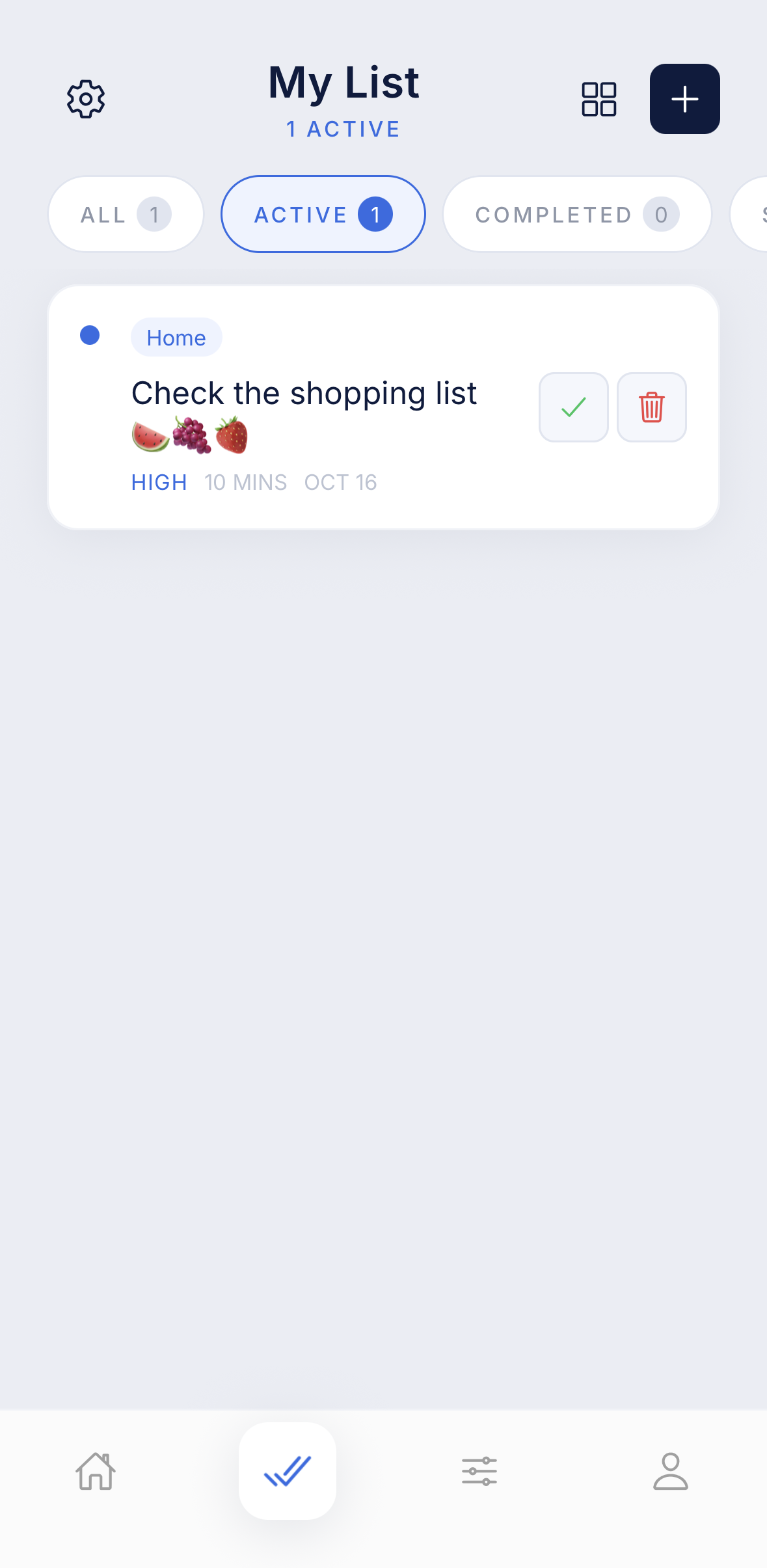
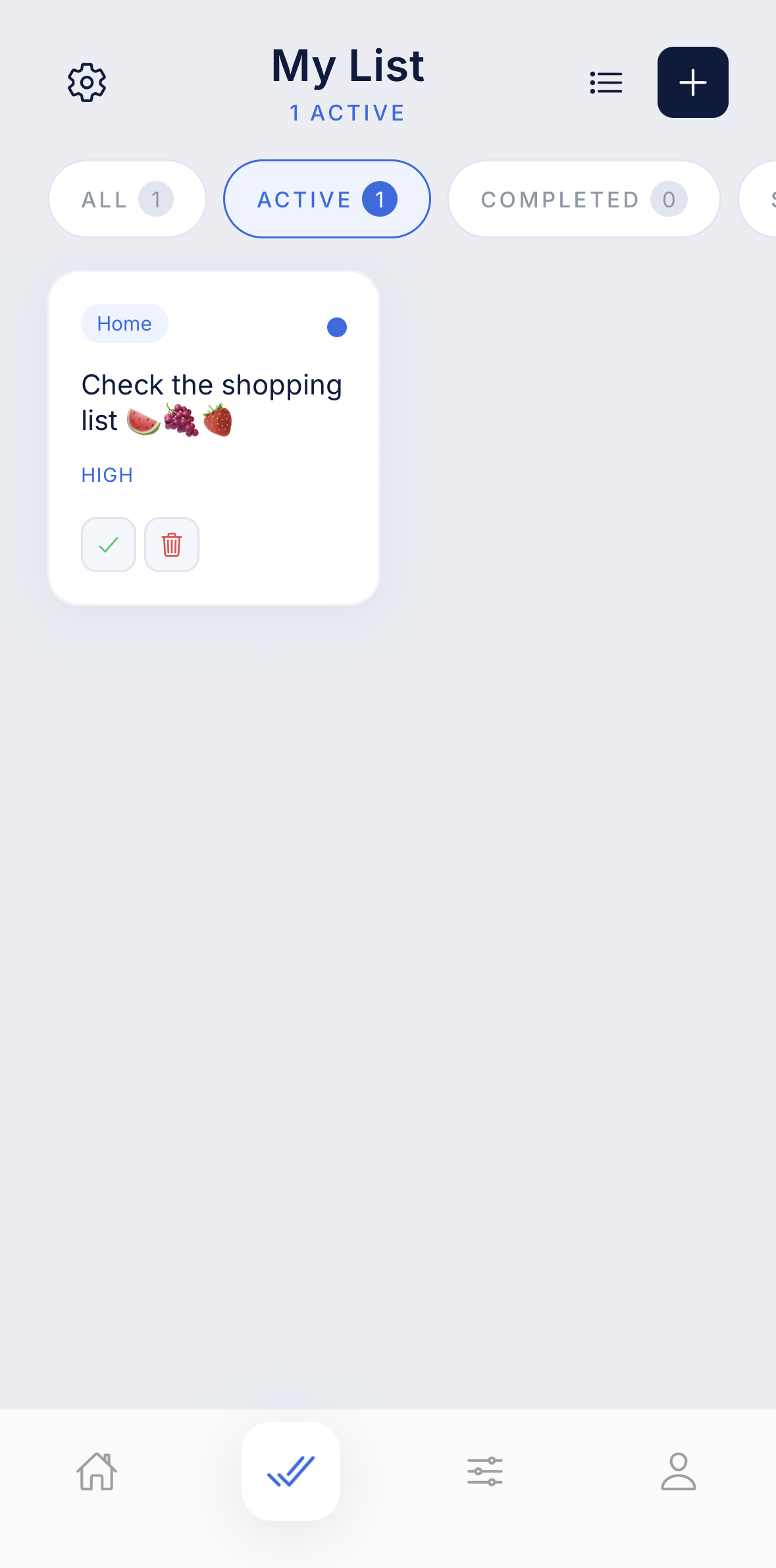
A traditional list view sits alongside the swipe view, with Active, Completed, Skipped and Deleted filters, search, and multi-select with bulk “move to folder”.

iOS · Android
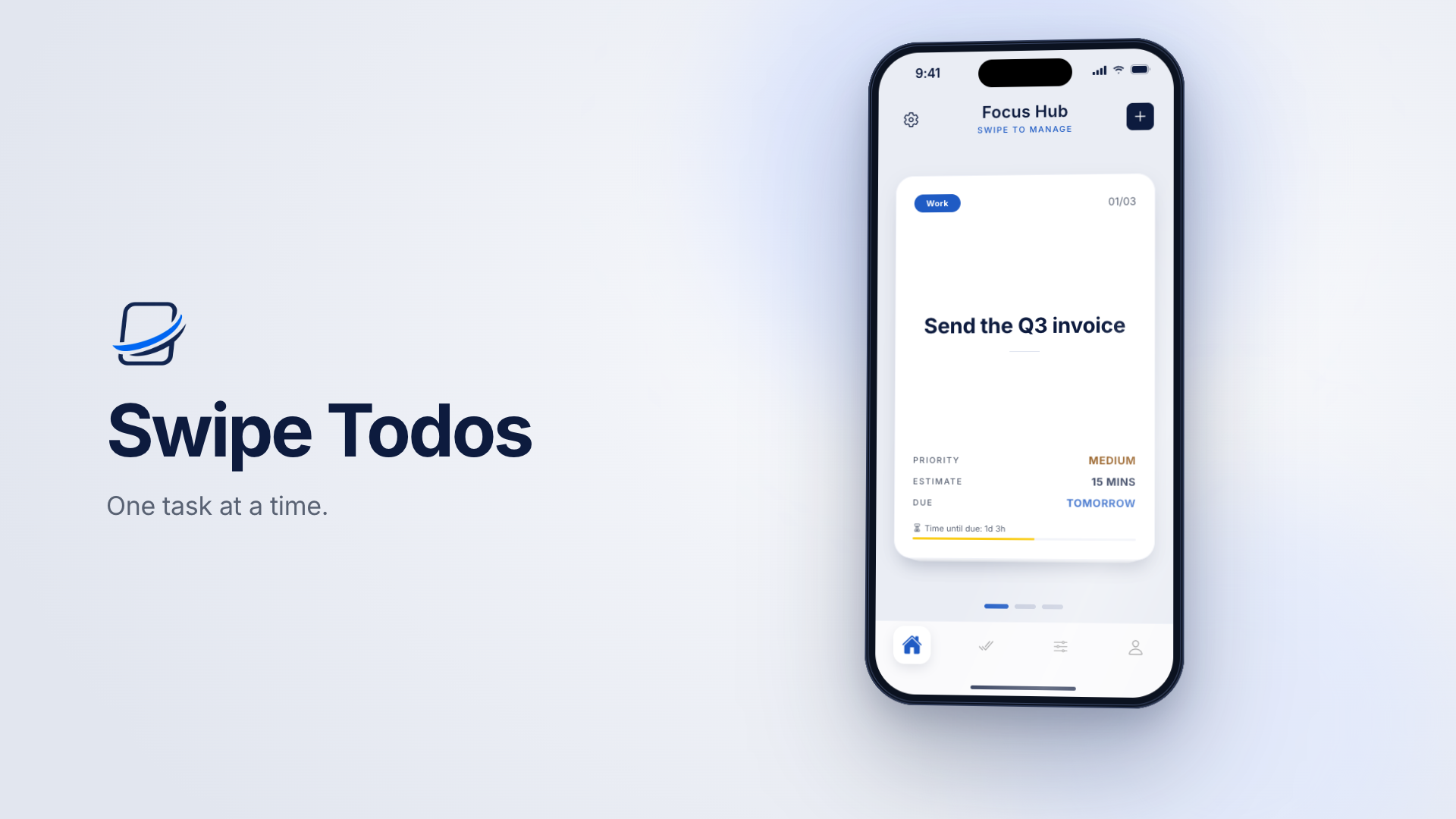
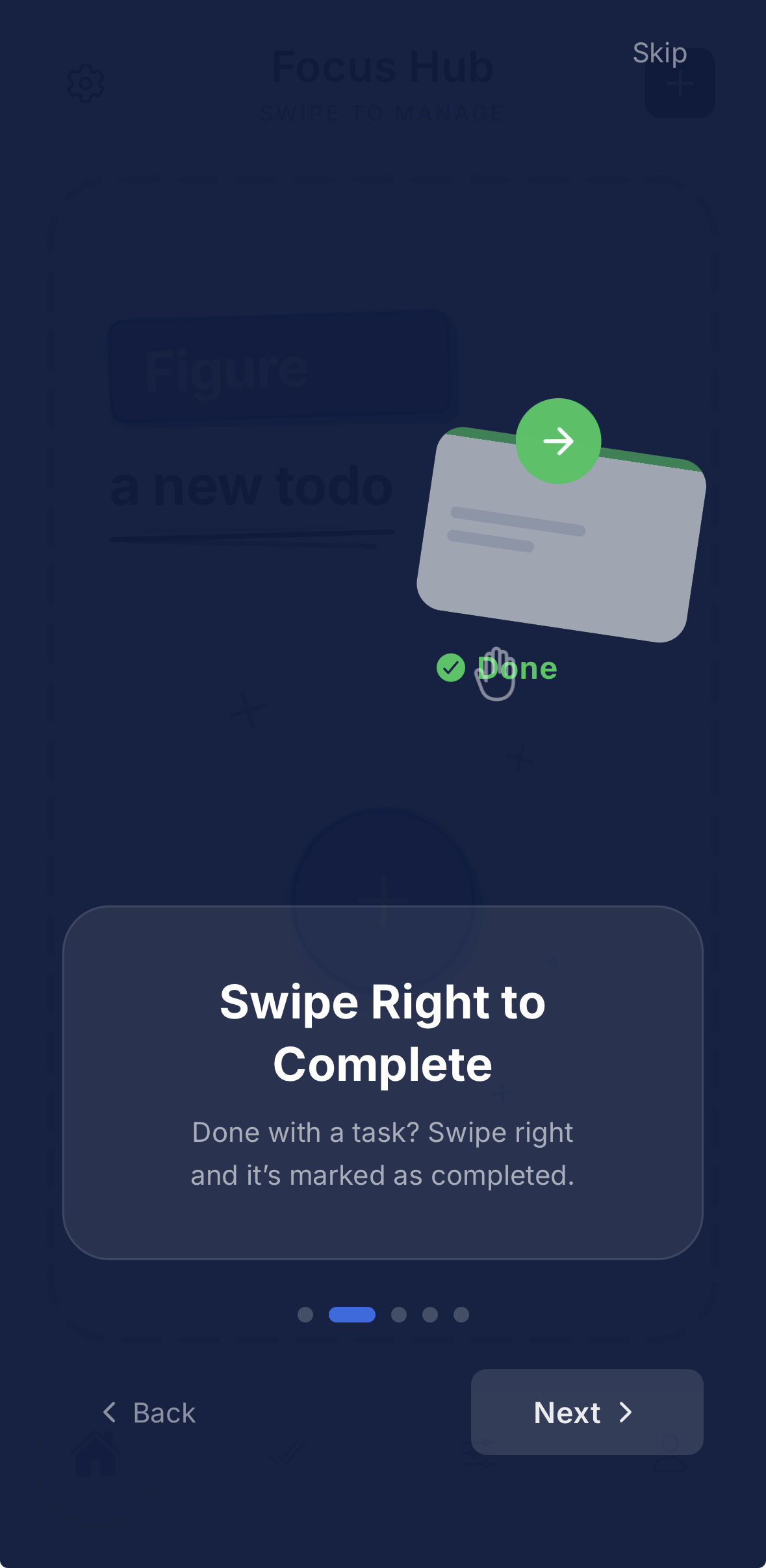
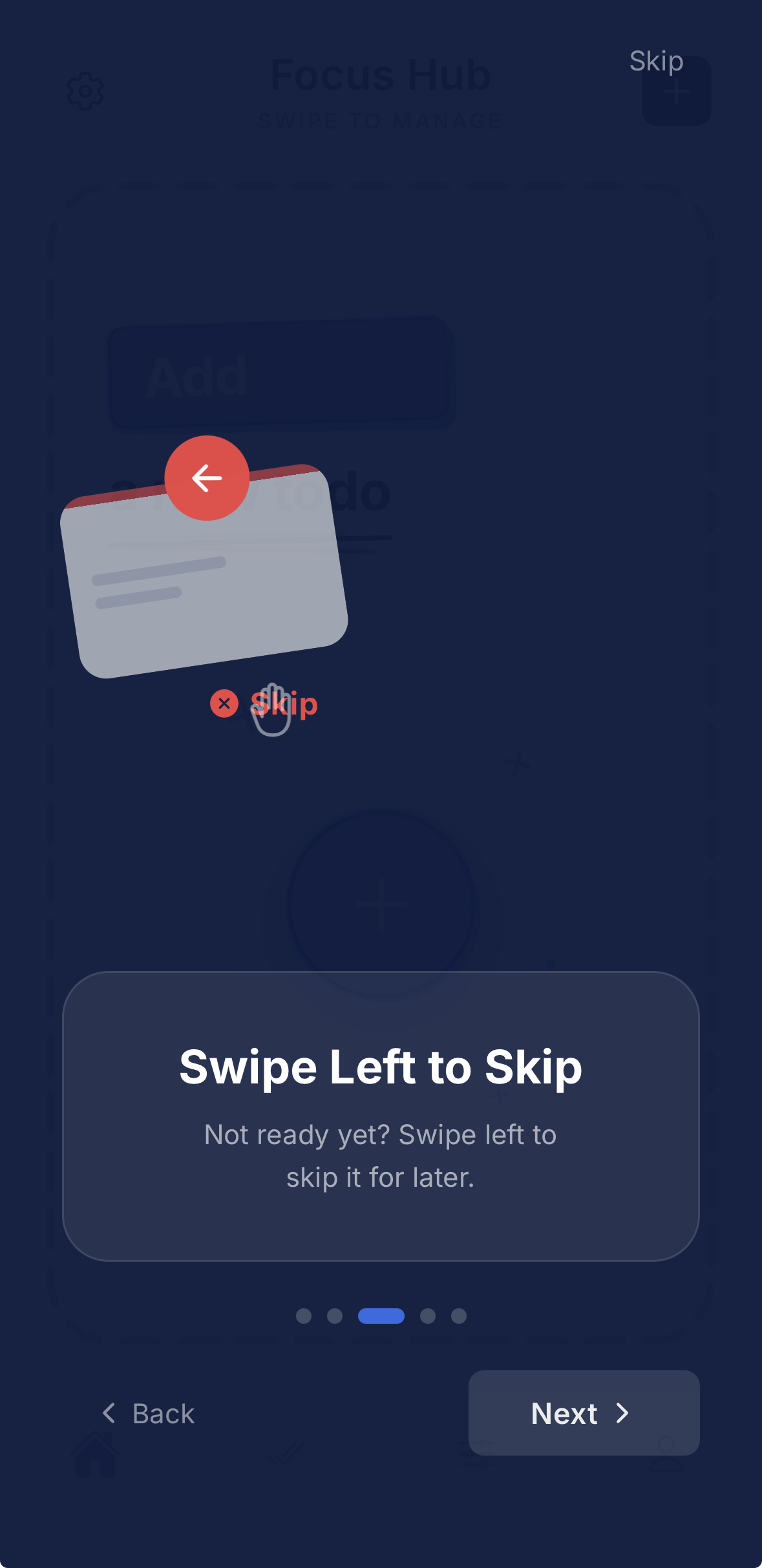
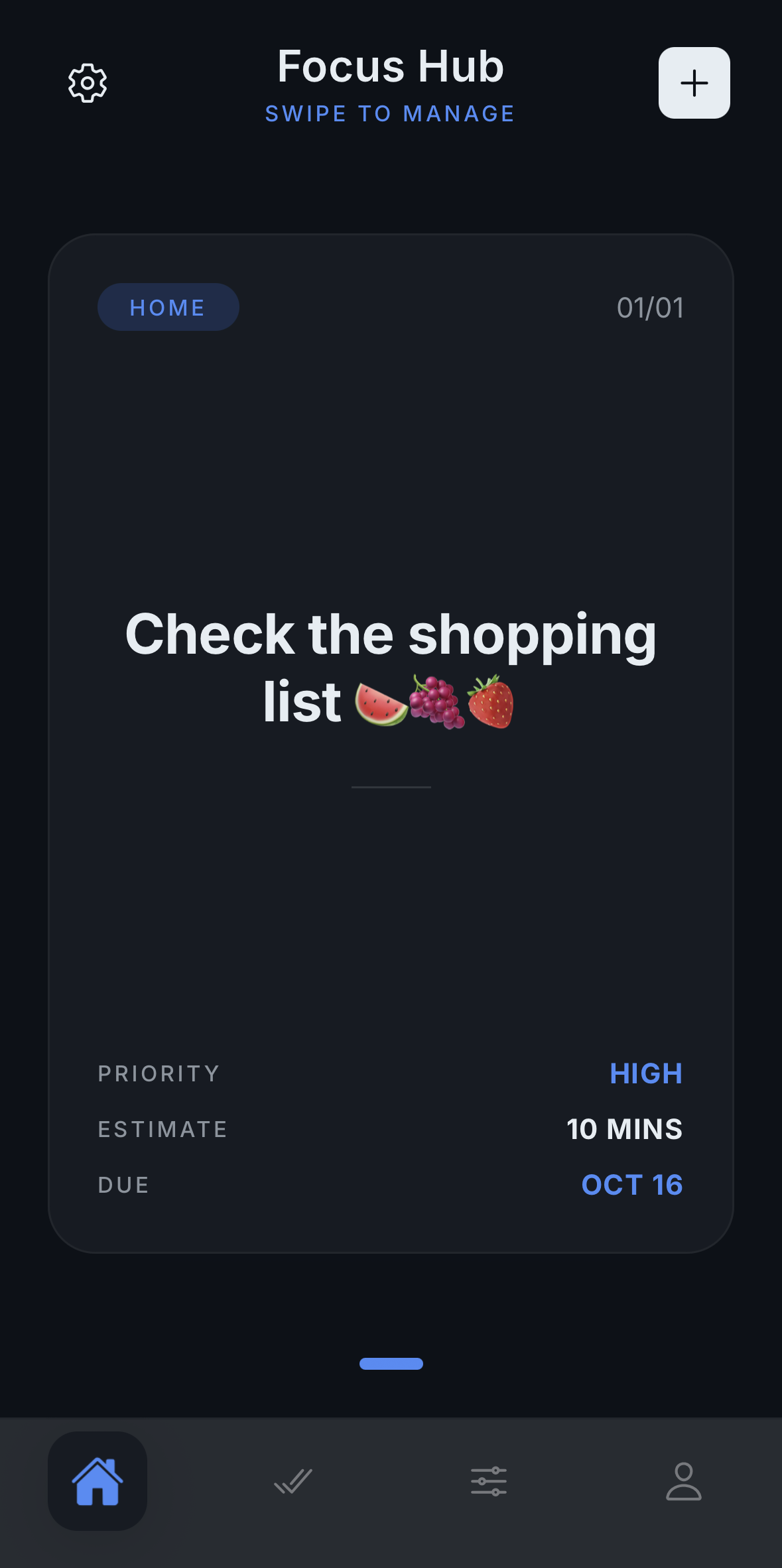
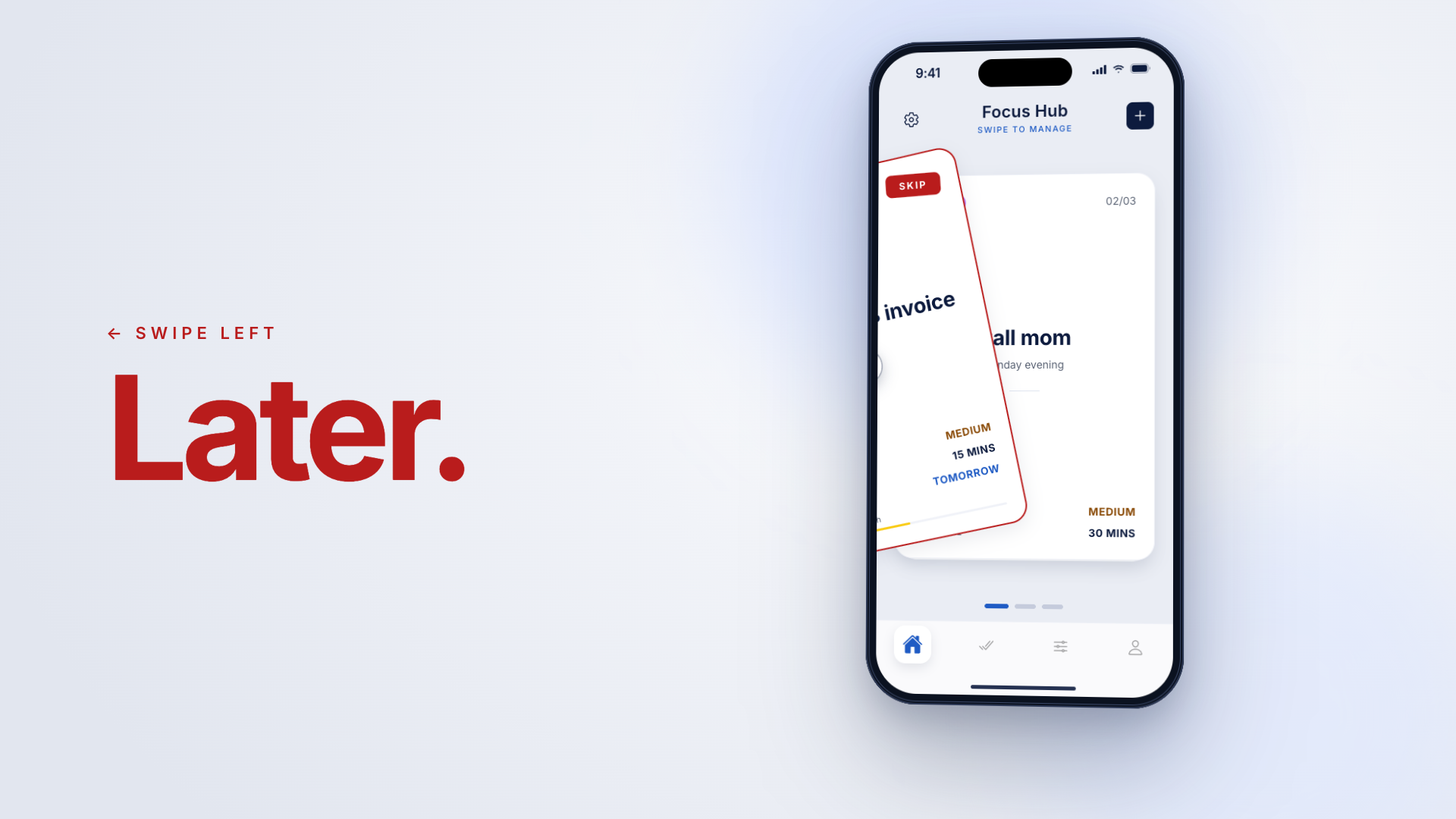
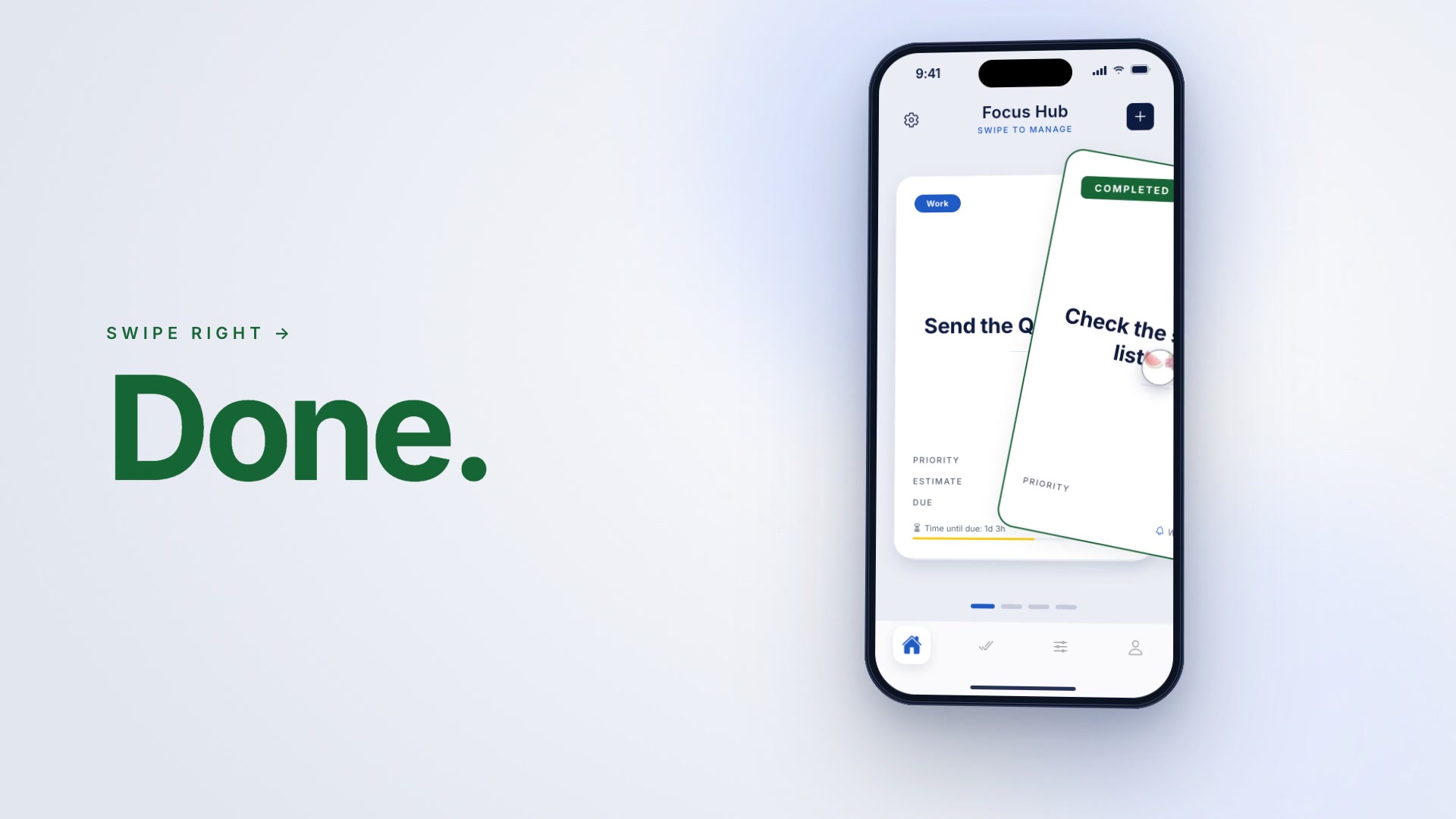
Manage your tasks like a deck of cards. Swipe right → done, swipe left → skip for later.
Google Play link will become active once the app is launched.
01Why this app
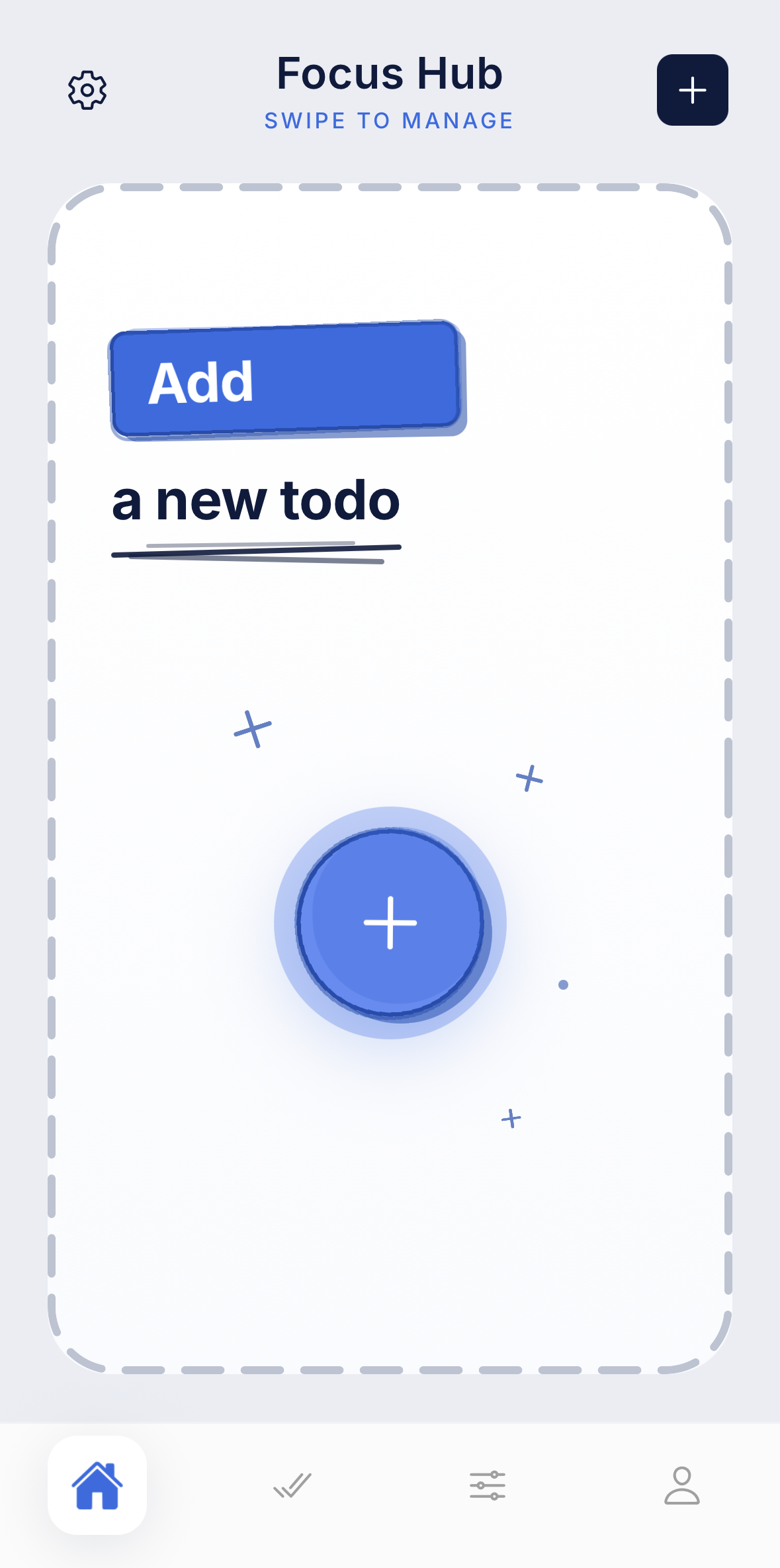
Most to-do apps drop dozens of rows in your face at once and quietly cause decision fatigue. Swipe Todos is designed to remove that weight. Instead of the endless, exhausting scroll of a classic to-do list, it puts one card in front of you at a time so you can focus and decide in a single gesture.
The goal is fast decisions, low cognitive load, and a focused daily flow.
In the app
02Swipe-first flow
03Try it
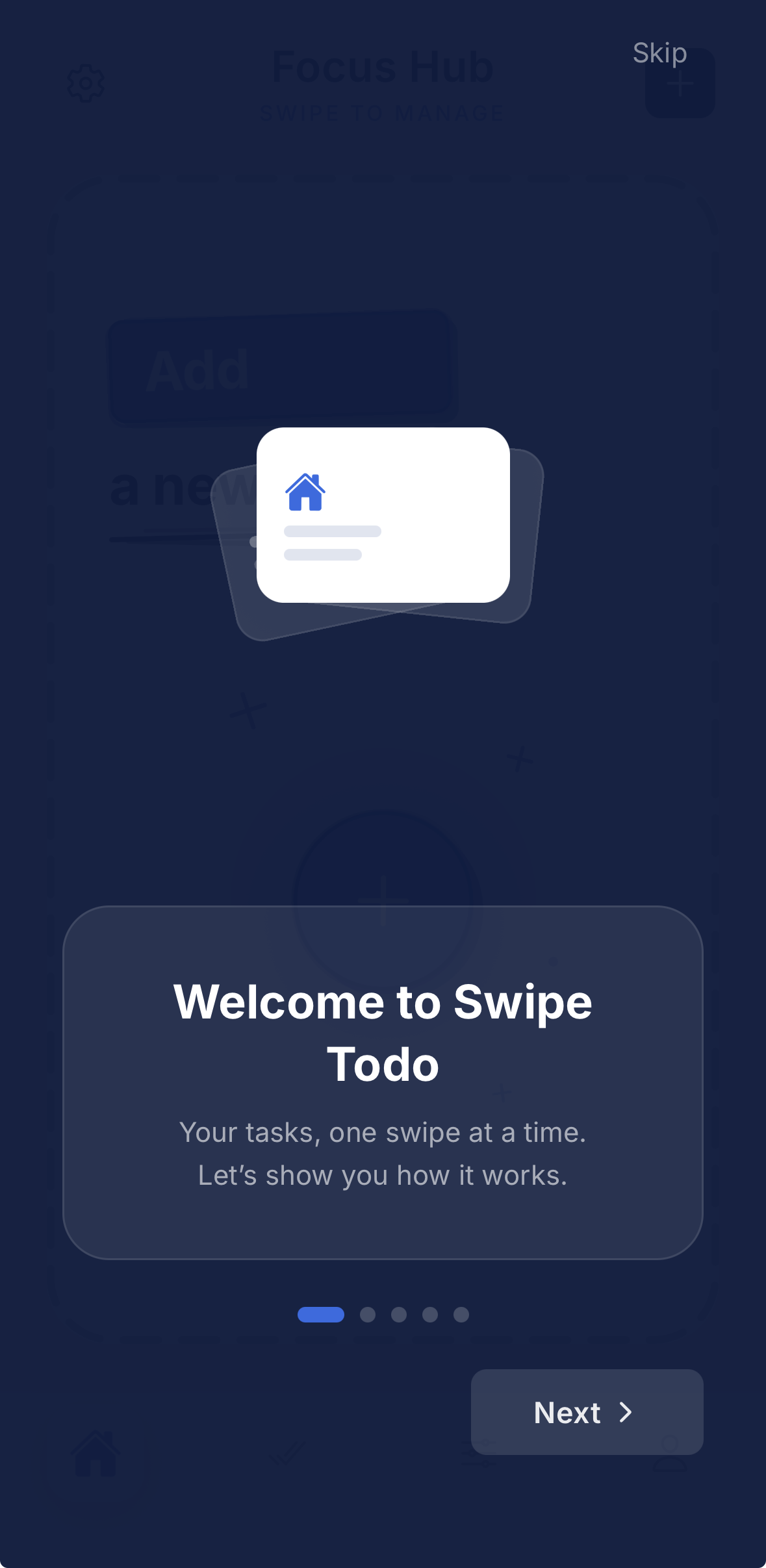
Drag the card right to finish it, left to skip it for later. Slipped? Undo it with one tap.
Sample tasks, so you can play around.
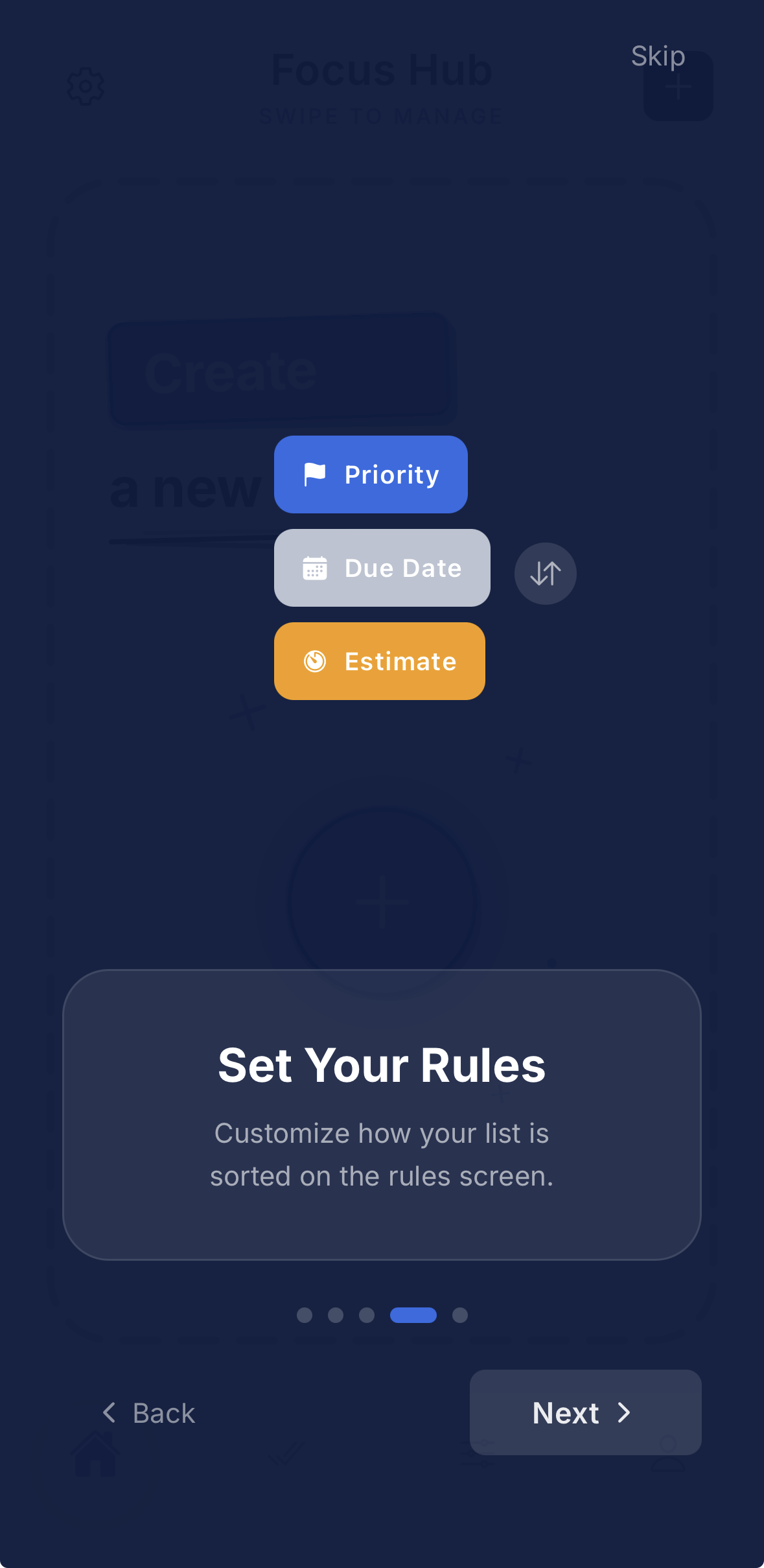
04Deck Rules
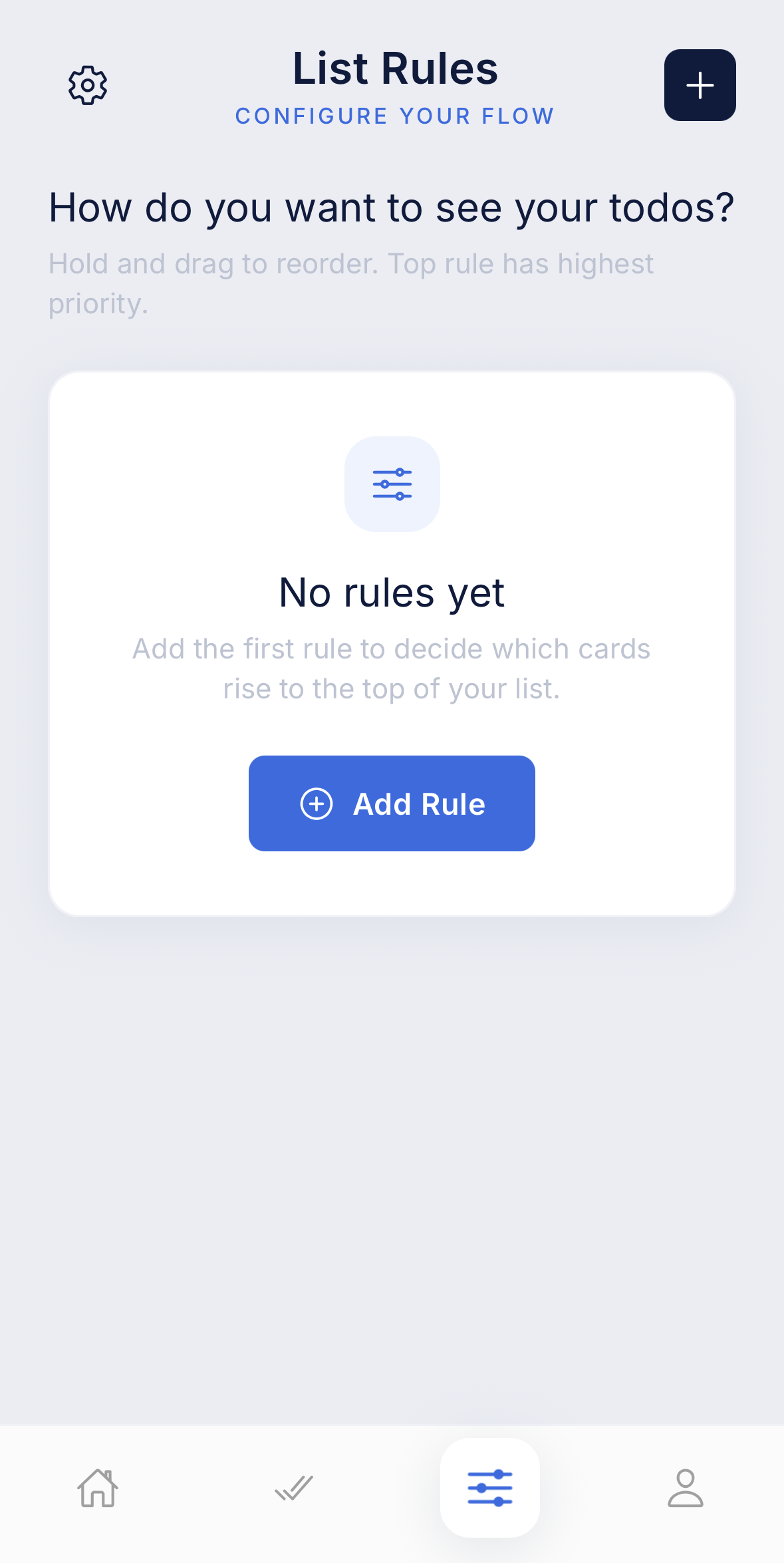
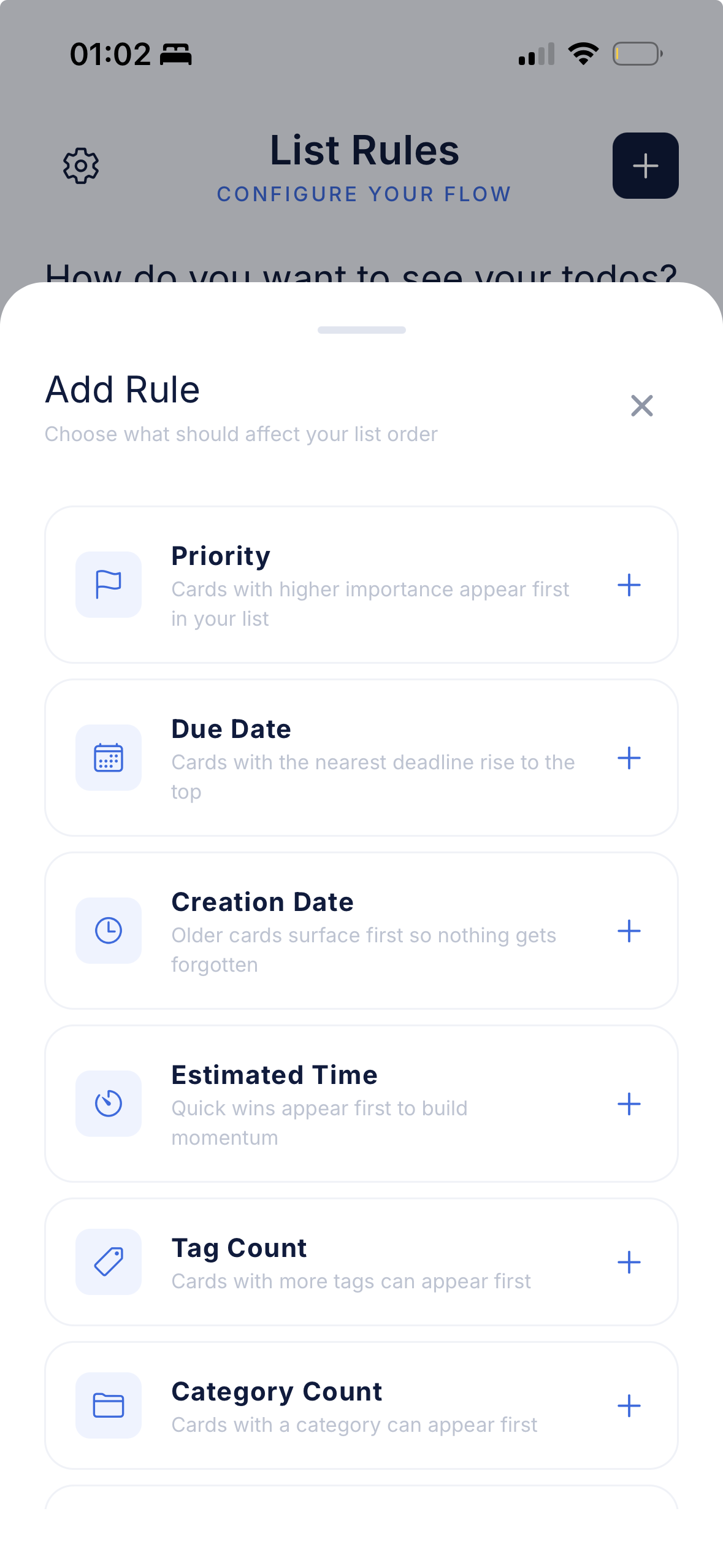
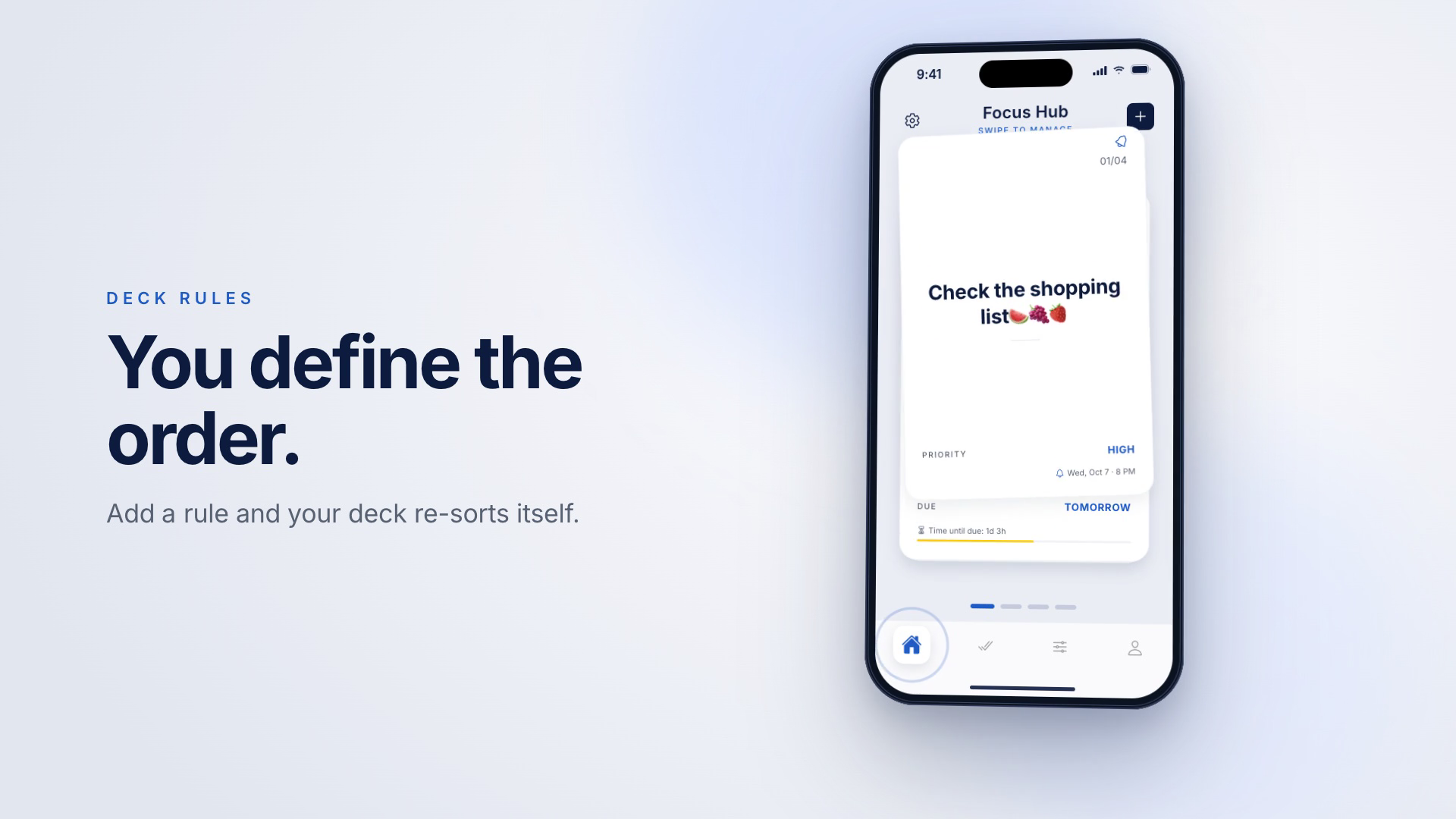
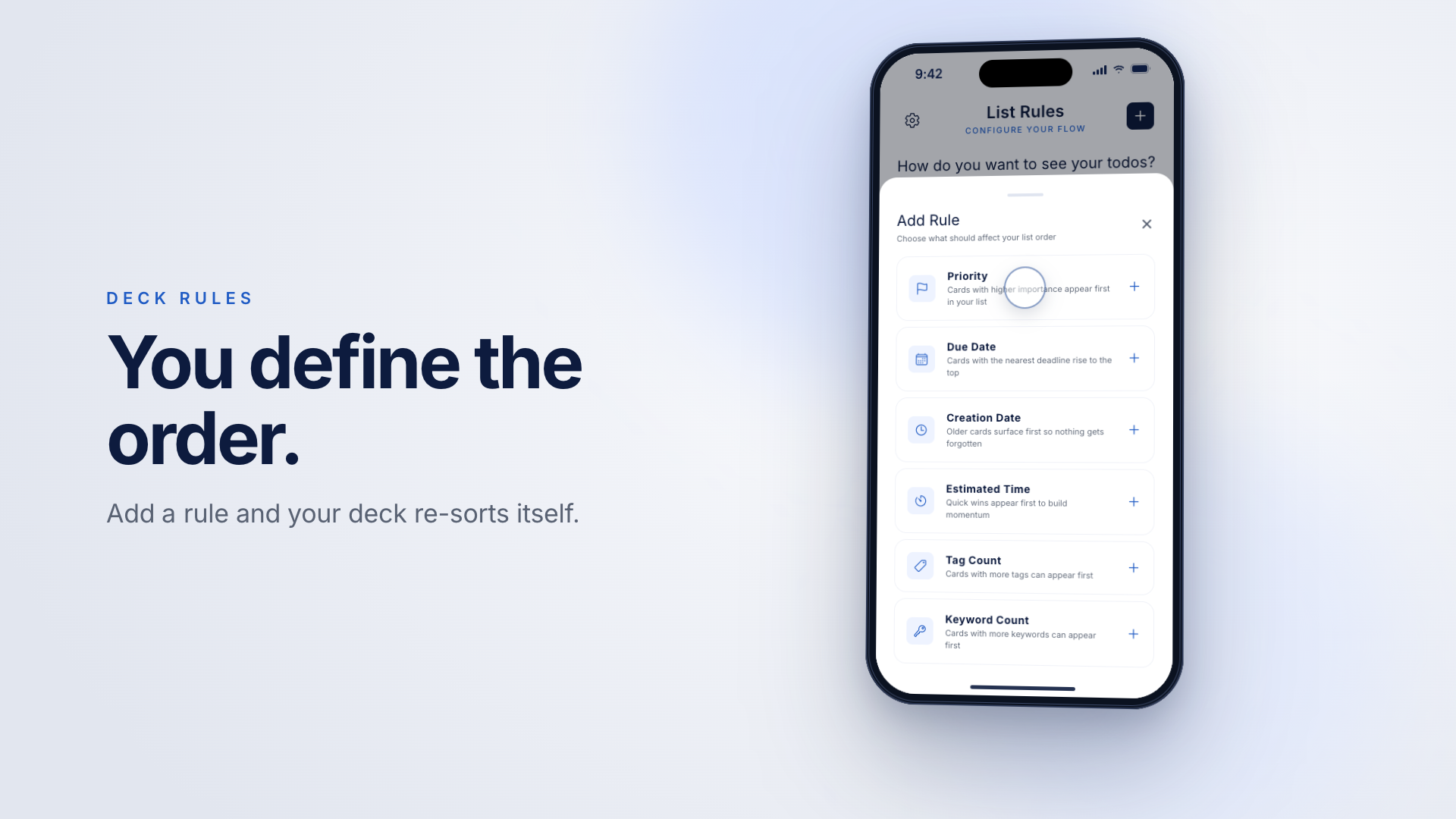
The card that comes up next is entirely under your control:
05Rich task model
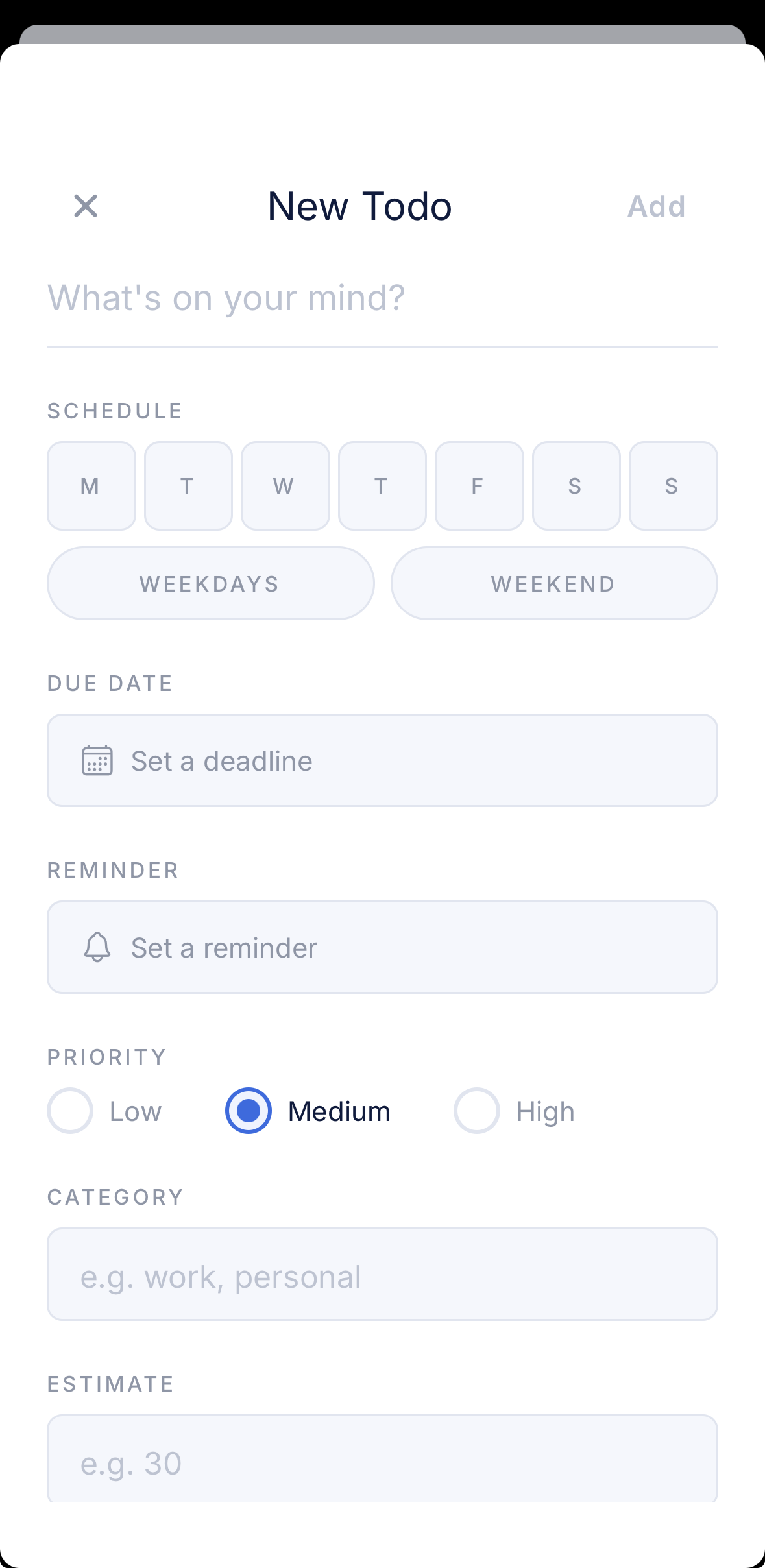
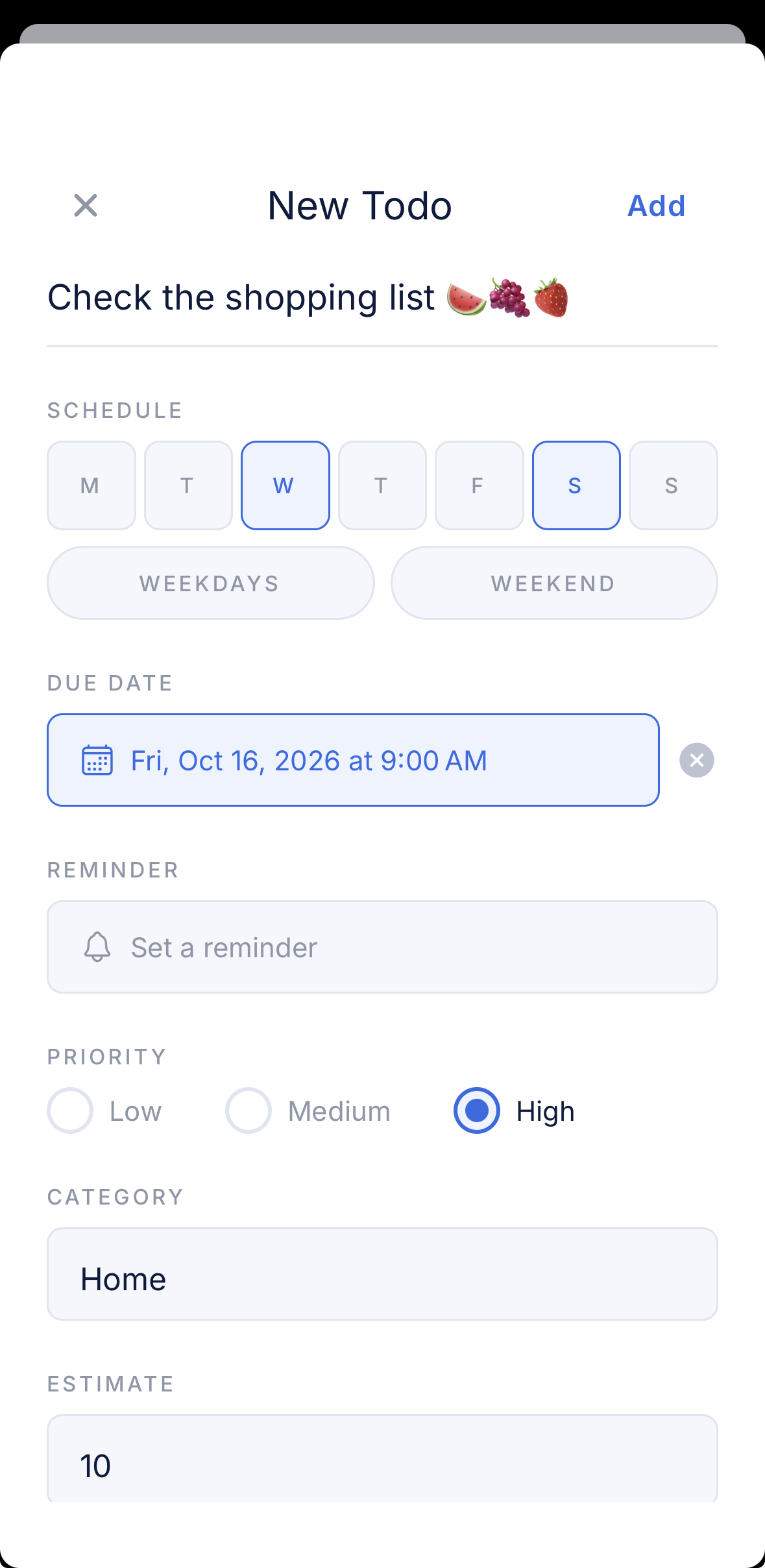
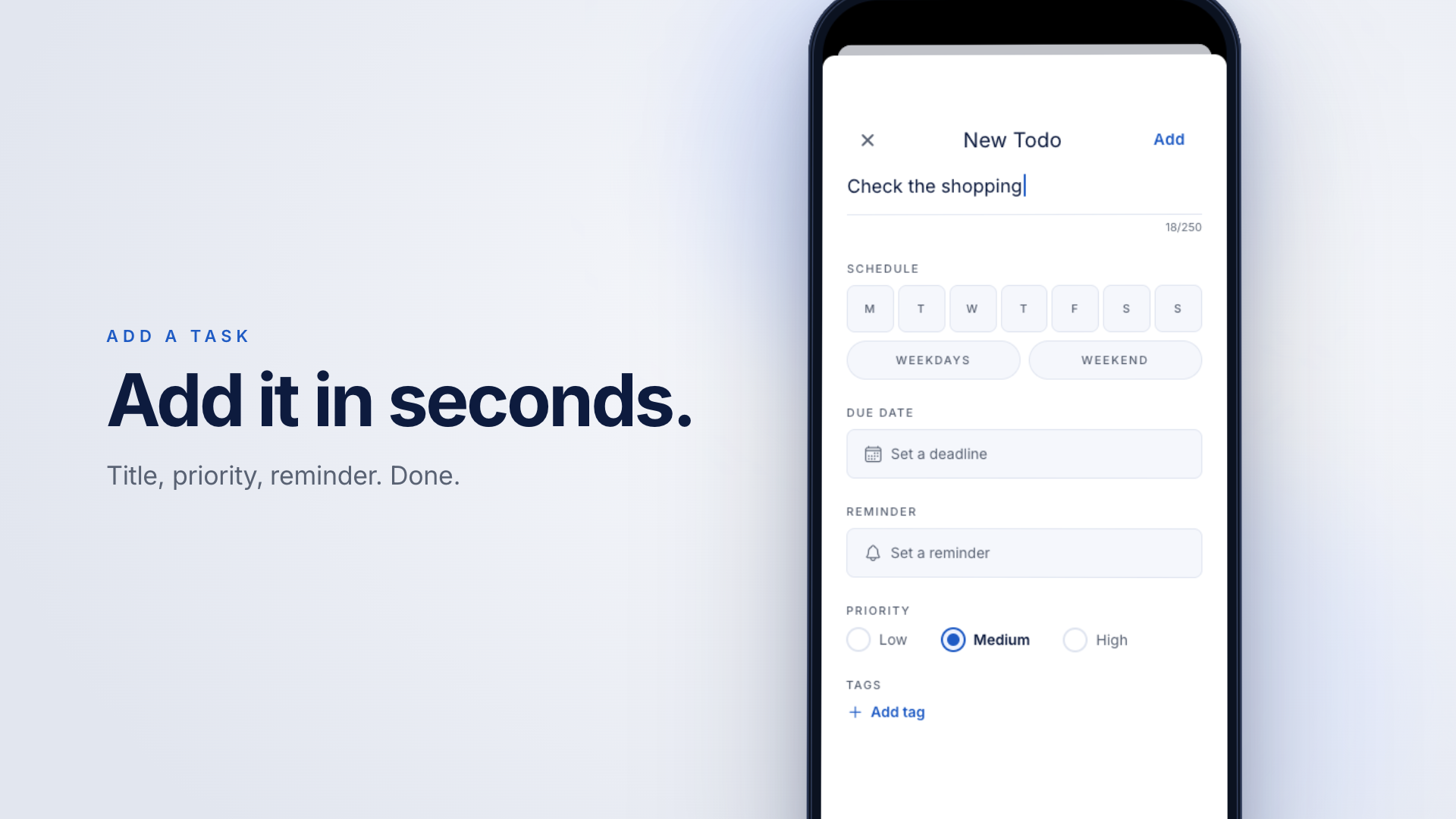
Every card can carry:
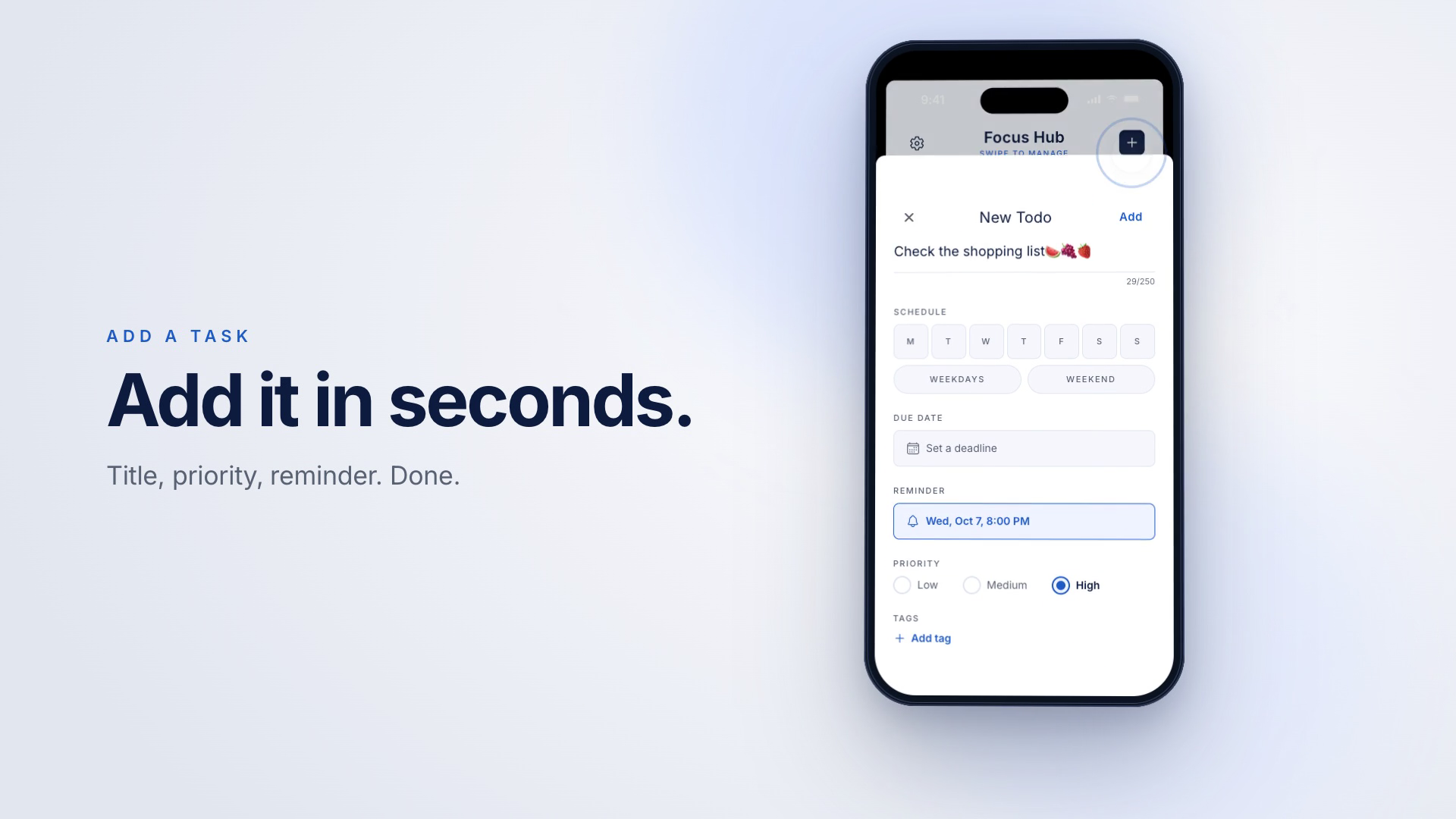
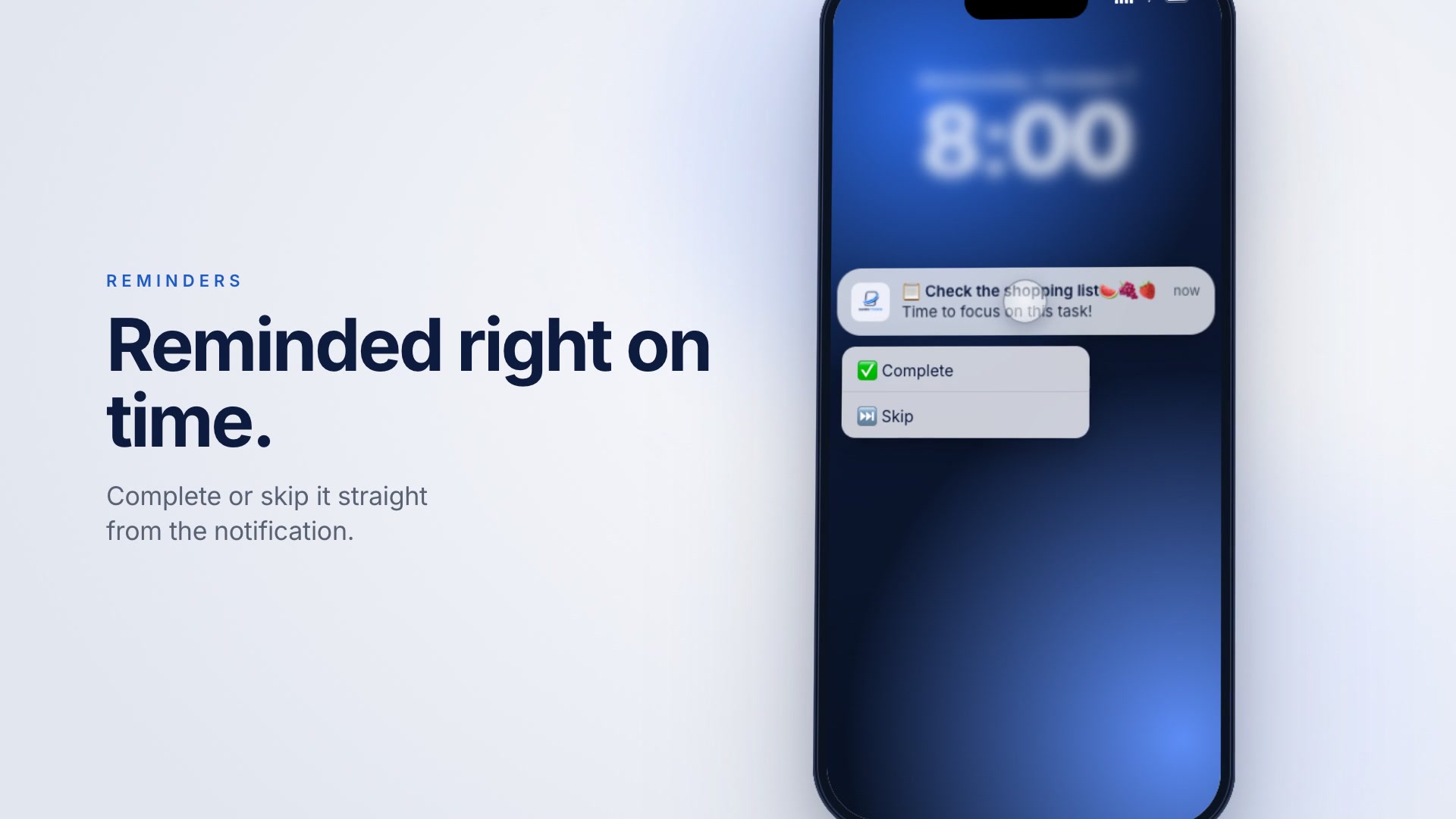
06Reminders
Local push notifications with a custom sound. Complete or skip a task straight from the notification.
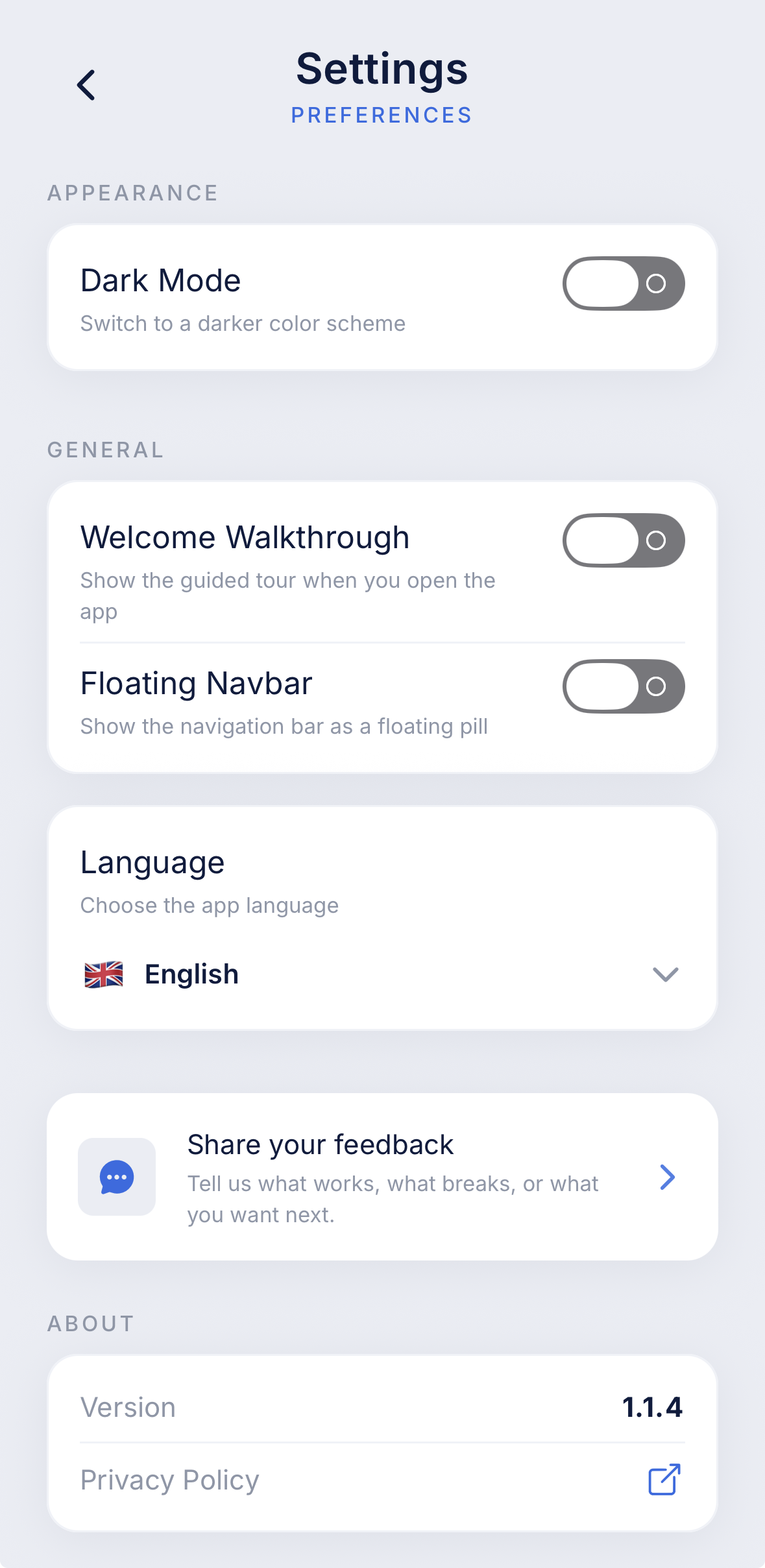
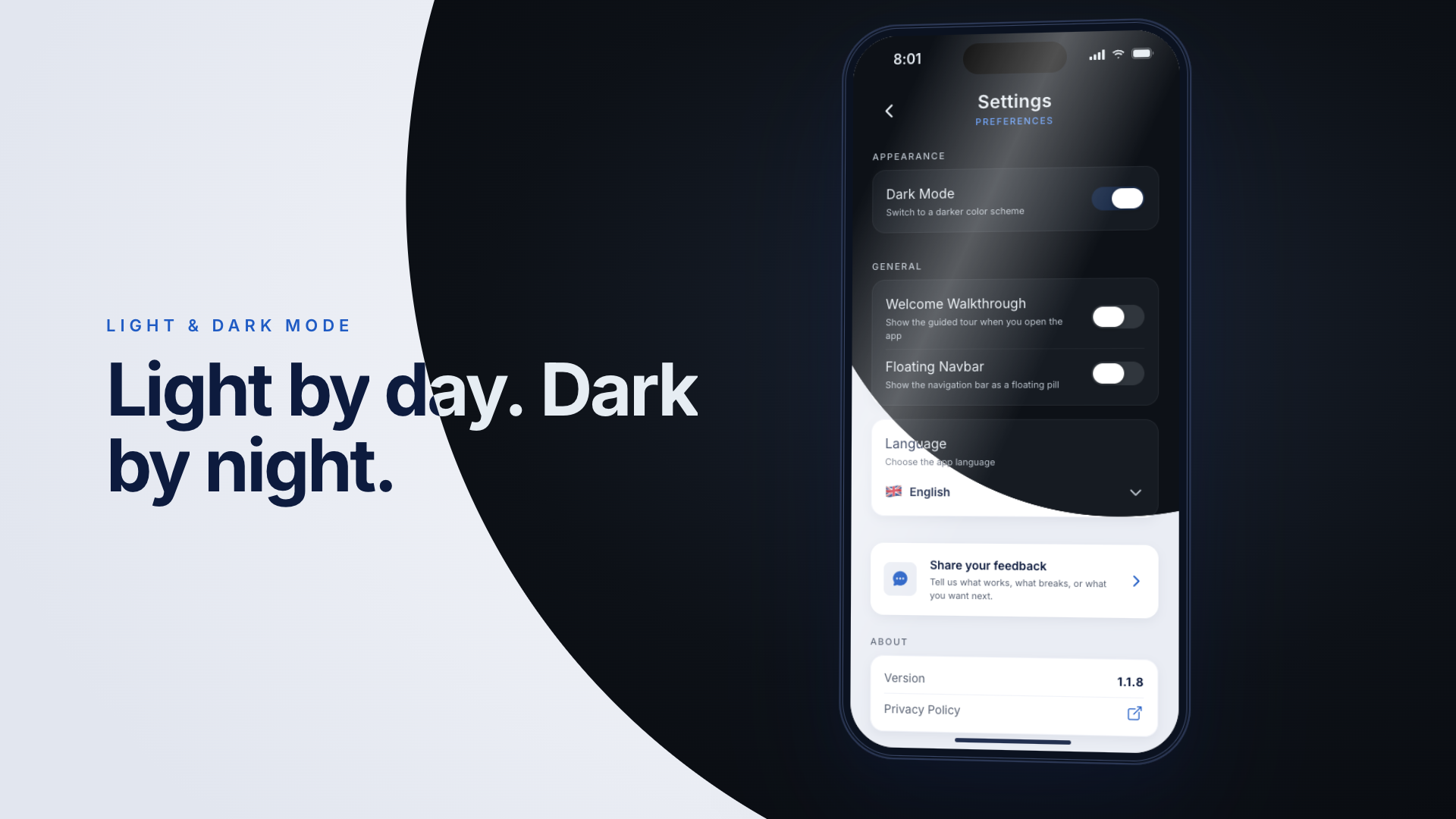
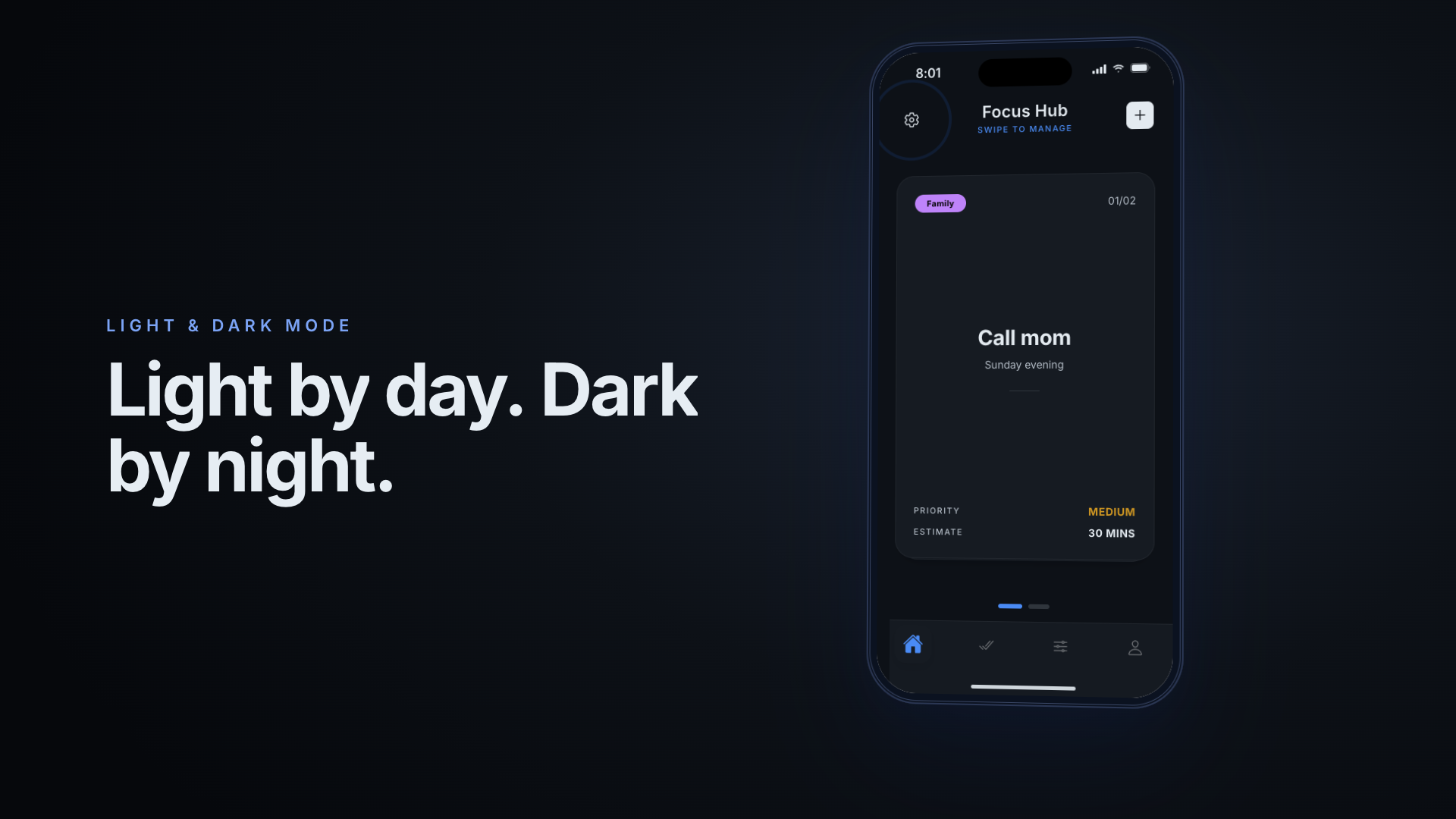
07Personalization
08And more
A traditional list view sits alongside the swipe view, with Active, Completed, Skipped and Deleted filters, search, and multi-select with bulk “move to folder”.
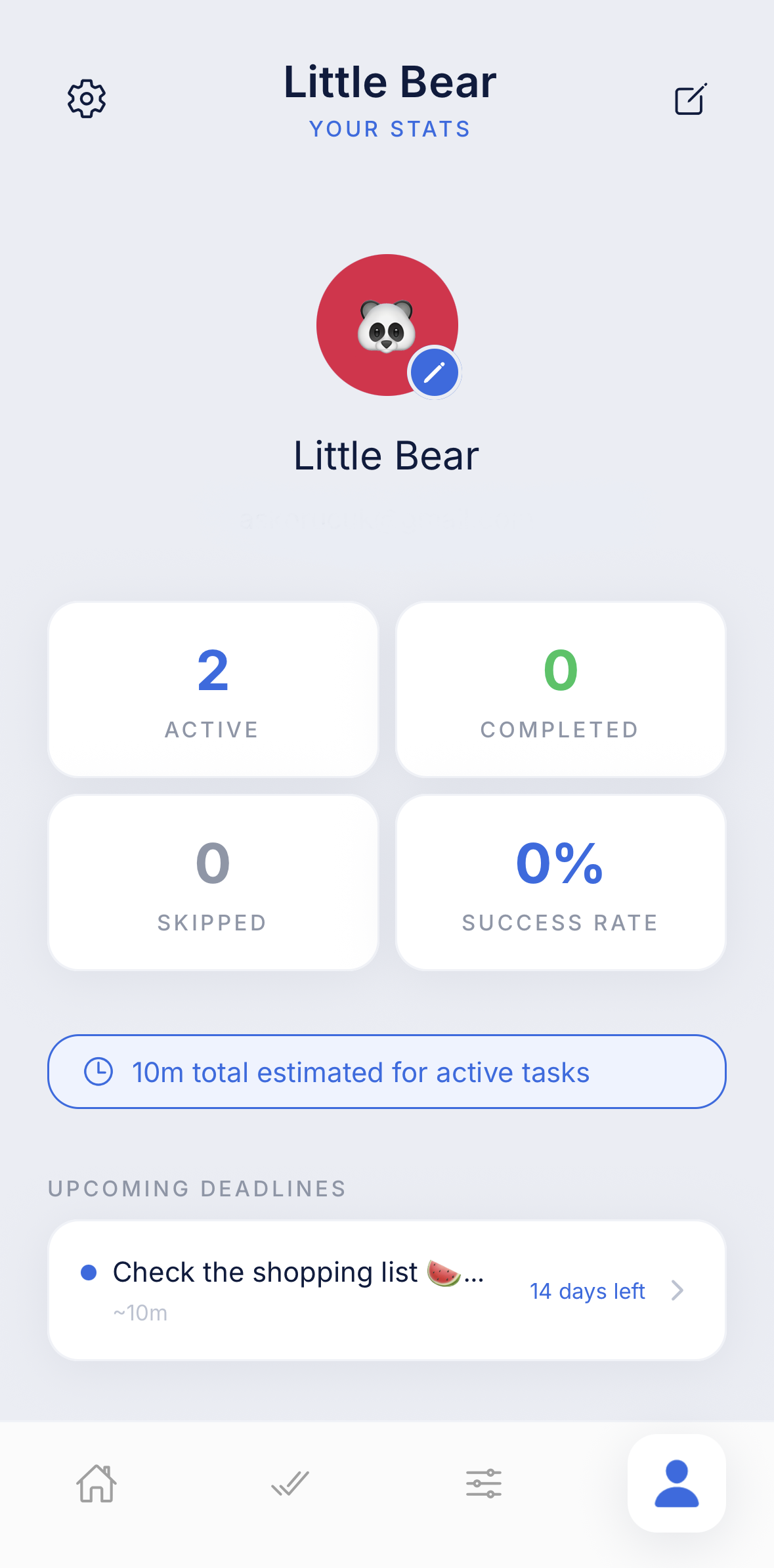
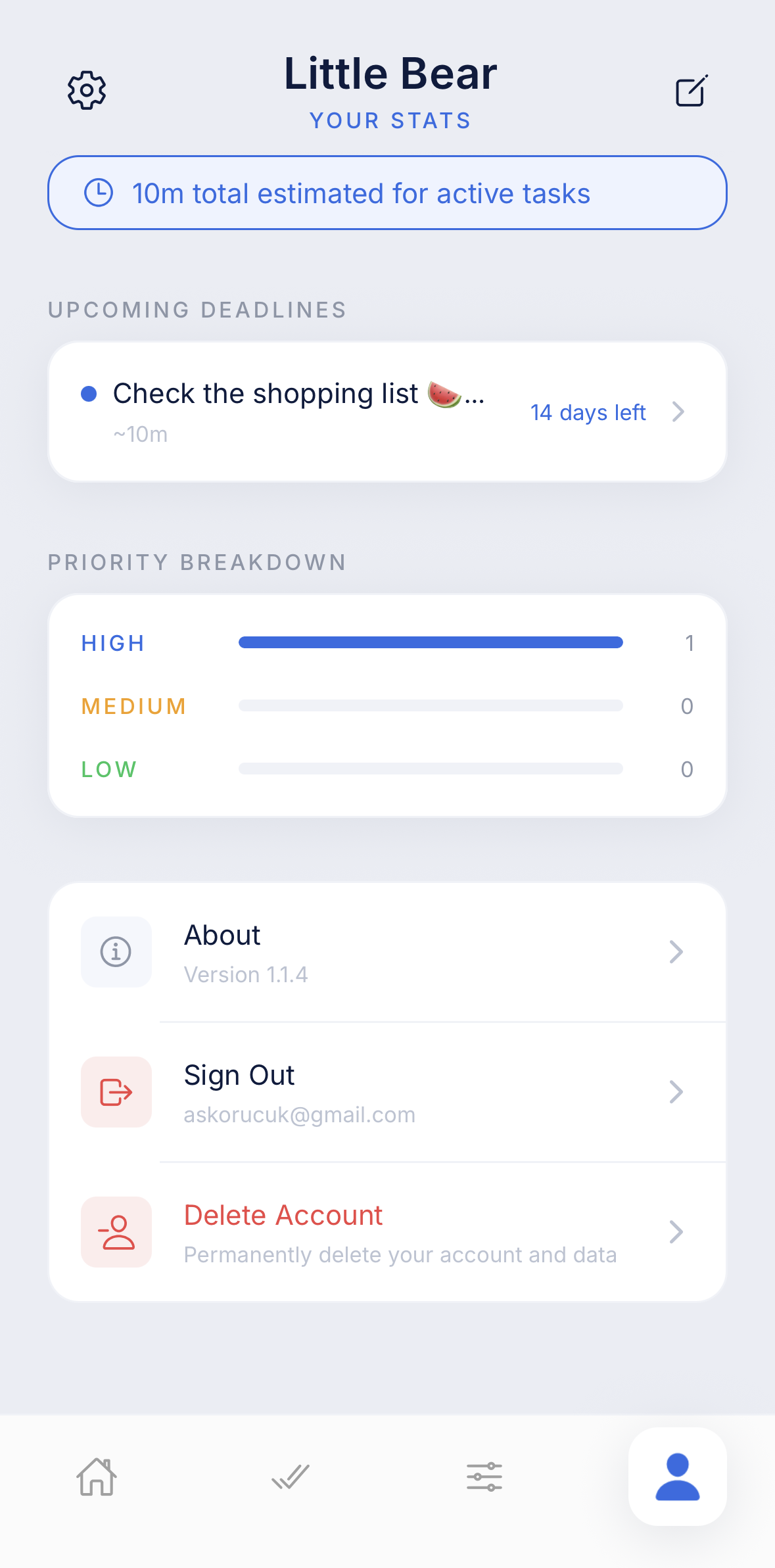
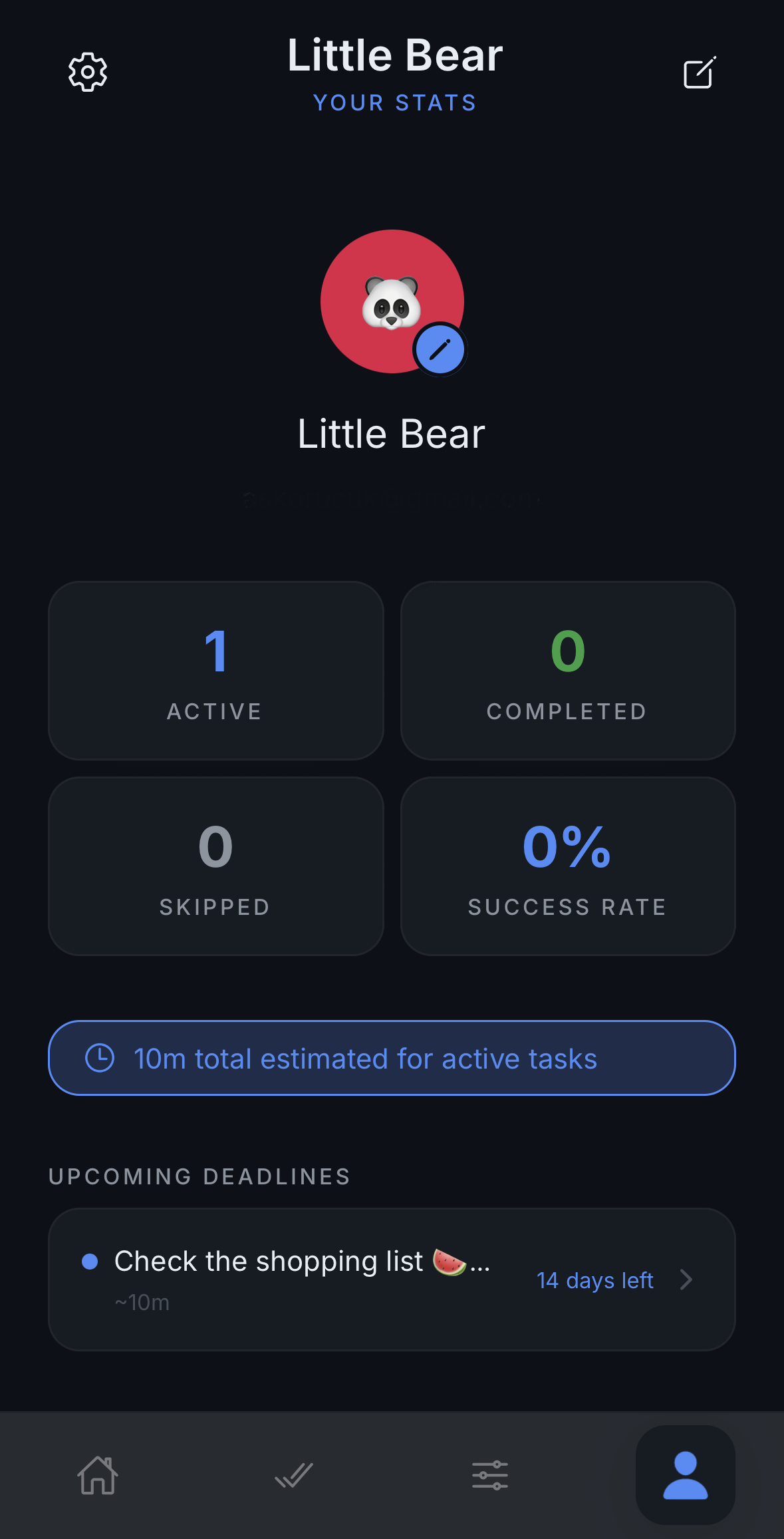
Active card count and success rate, priority breakdown, upcoming deadlines, and total estimated time for active tasks.
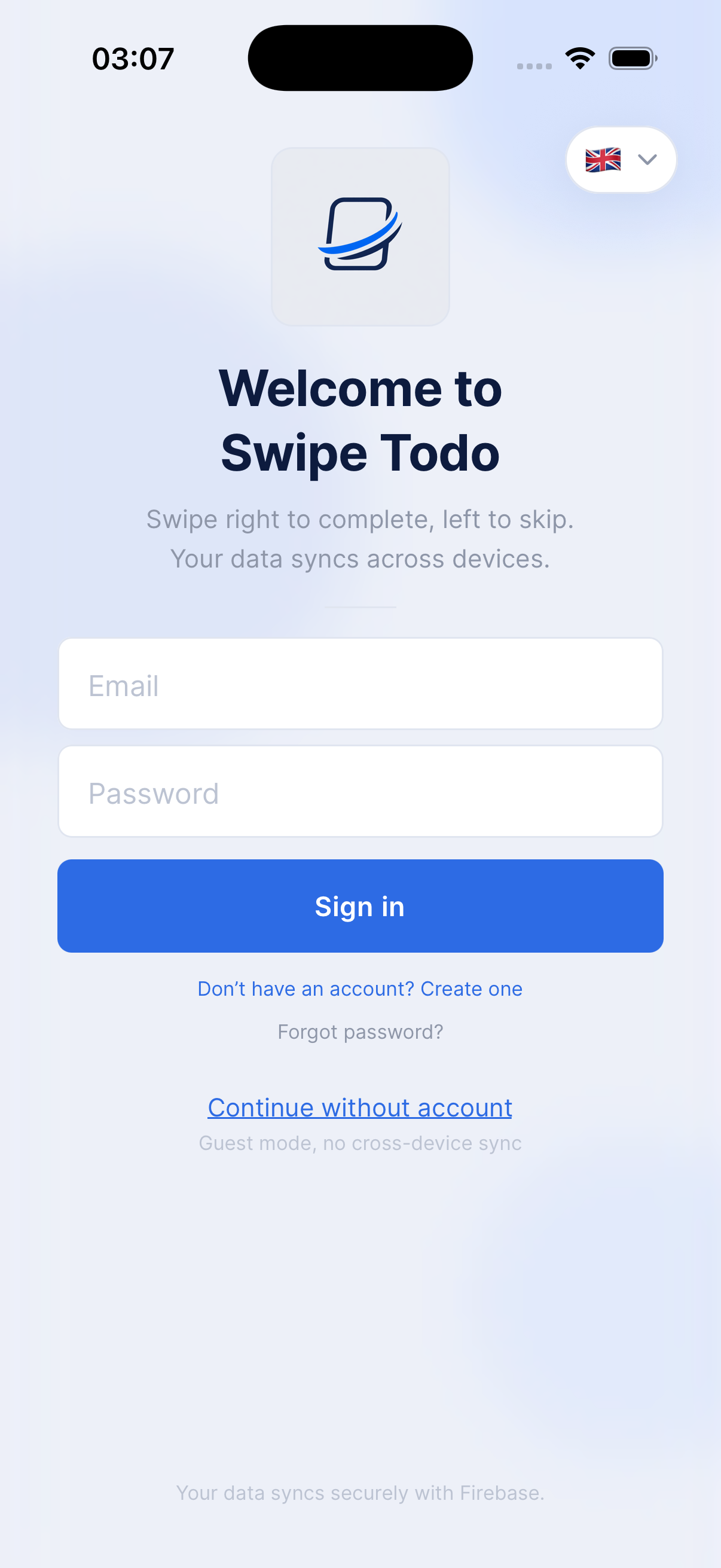
Email/password and Google Sign-In, or guest mode with no account required (limited card count, no cross-device sync). Email verification, password reset, an editable profile, and full account deletion (GDPR/KVKK-friendly hard delete).
Fully localized in 7 languages: English, Türkçe, Deutsch, Español, Français, 日本語, 中文. Follows the device language automatically; switchable from Settings.
Real-time sync: swipe on one device, see it update on the other.
09Compare
| Classic to-do | Swipe Todos |
|---|---|
| A long list, endless scrolling | One card, left/right swipe |
| “Which one should I pick?” | The app picks the next one for you |
| Ordering = manual drag & drop | Ordering = rules (priority, deadline, estimate…) |
| Delete ↔ Complete only | Right = done, Left = later |
| Plain rows | Cards, haptics, micro-animations |
10Roadmap
Built for iOS and Android.
Google Play link will become active once the app is launched.